How to Conduct a Technical SEO Audit That Finds Revenue, Not Just Issues
Knowing how to conduct a technical SEO audit comes down to one skill: deciding which problems are actually costing you money.

 SEO
SEO
 Packages
 Google Ads
 Company
 Sectors
 Site Performance
 Locations
Knowing how to conduct a technical SEO audit comes down to one skill: deciding which problems are actually costing you money.
A crawler will hand you thousands of flagged issues in an hour, and most of them will not move a single sale. The audits that change rankings start by mapping the pages that earn, then rank every fix against them. The rest is noise you can park. This guide walks through the full process, the checklist in order, how to triage what a crawl returns, and what to fix first.
A technical SEO audit checks whether search engines can crawl, index, render, and trust your pages, then ranks the problems by what each one costs. That second half is the part most audits skip. They run the crawl, export the issues, and call it done.
We see the same artefact again and again. A spreadsheet, straight out of a crawler, colour coded by severity, with a few hundred red rows marked high priority. Nobody has acted on it. Not because the team is lazy, but because the report never says which red rows matter and which are cosmetic.
So the crawl gets treated as the audit. It is not. The crawl is the easy hour, and the audit is the judgement that comes after. That judgement is what we focus on here.
Crawlers grade issues against generic best practice, not against your revenue. The tool has no idea which of your URLs make money, so it cannot tell a costly problem from a harmless one.
Take two redirect chains. One sits on a discontinued product nobody links to. The other sits on your top category page. A crawler usually labels both the same way, because severity in these tools reflects the type of issue, not its impact on a specific page.
That is why a few thousand issue reports and a flat revenue line can sit side by side. The report is sorted by how the tool feels about each issue, while your revenue is decided by a much smaller set of problems on a much smaller set of pages. Conducting a technical SEO audit well means closing that gap.
Run the checklist in this order, and weigh everything against one list: the pages that earn. Map those first, before you open a crawler. Then work down the layers, from what search engines can reach to what they can understand.
Start by pulling your revenue and traffic leaders from analytics, Search Console, and your store platform. Category pages, top product pages, and key landing pages usually make the list.
This is your reference list. Every issue you find later gets weighted against it. An error on a page in this list is urgent, while the same error on a page nobody visits can wait.
In practice, this step takes twenty minutes, and it changes how you read everything that follows.
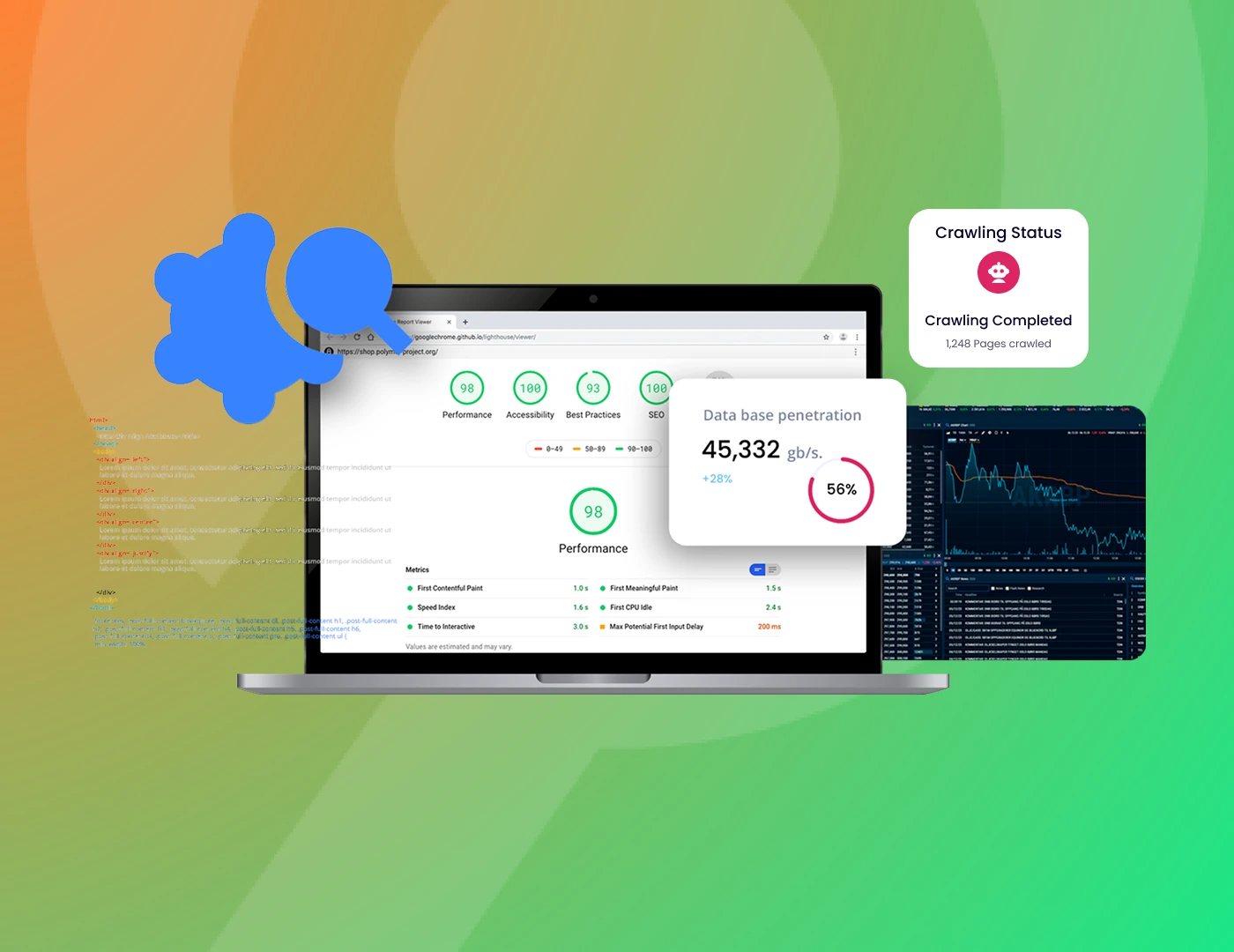
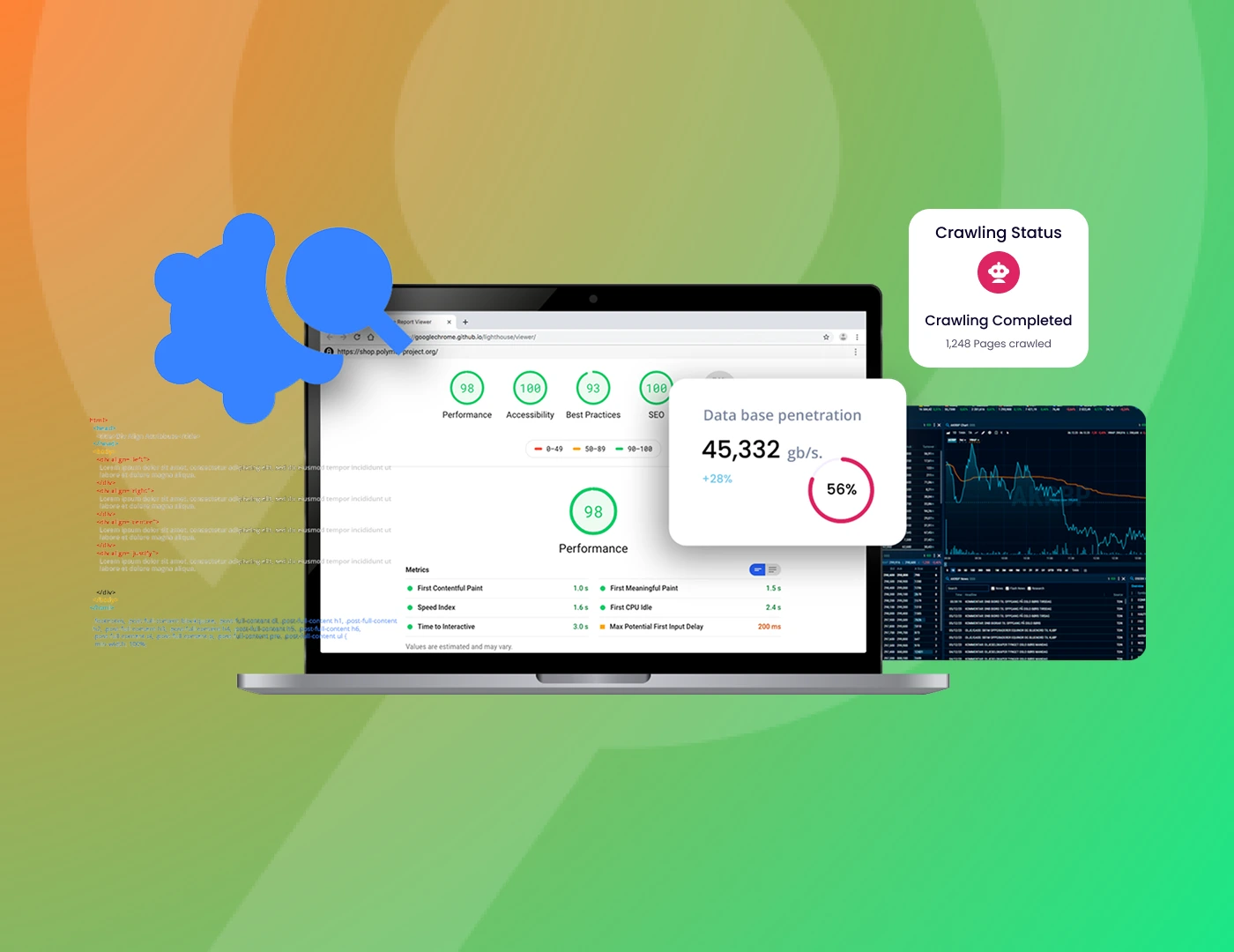
Now run the crawl. Screaming Frog is the standard desktop crawler, and its free version covers up to 500 URLs, which is enough for a small store or a single section. Semrush Site Audit works well as a cloud alternative.
Treat this as inventory gathering, not analysis. You are collecting the raw list of URLs, status codes, redirects, titles, and tags, while the thinking happens in the steps that follow.
One habit worth keeping: crawl as Googlebot and with JavaScript rendering switched on, so the crawl reflects what Google actually sees rather than what your browser happens to show you.
Open the Pages report in Google Search Console and compare what is indexed against what should be. Two problems show up here, and both cost money.
The most common surprise on a first audit is not a broken site. It is a healthy-looking site quietly indexing thousands of filter combinations nobody asked for.
Check that search engines can reach your important pages and are not wasting effort on the wrong ones. Look at robots.txt, internal links, orphan pages, and redirect chains.
Be honest about crawl budget, though. Google’s own guidance is that it mainly matters for very large sites, those with hundreds of thousands of pages or catalogues that change daily. For a small store, crawl budget is usually a distraction, and the internal linking and orphan page checks matter far more.
Where it does bite is in large ecommerce catalogues. When faceted navigation generates endless URL combinations, Googlebot can spend its time on filter pages instead of your products.
Confirm that each important page has one clear canonical version, and that variants point back to it. This is where money pages often end up competing against themselves.
Common culprits include parameter URLs, trailing slash inconsistencies, separate http and https versions, and product pages reachable through several category paths. Mixed content, where a secure page loads insecure resources, belongs here too.
We have seen a single canonical tag set wrong on a collection template quietly pull a few hundred product pages out of contention at once. The fix lived in the template, not on any one page, which is exactly why a page-by-page check would have missed it.
Check what Googlebot sees after the page renders, not just the raw HTML. If your key content or links only appear once JavaScript runs, you need to confirm they survive rendering.
This matters most for headless stores and sites that lean heavily on JavaScript. Google indexes the mobile version of your pages, so test the mobile render rather than the desktop one.
Use the URL Inspection tool in Search Console to see the rendered page Google stores. If the content you care about is missing there, you have found a real revenue problem.
Measure the three Core Web Vitals: Largest Contentful Paint for loading, Interaction to Next Paint for responsiveness, and Cumulative Layout Shift for visual stability. INP replaced First Input Delay in March 2024, so make sure your tooling reports it.
Pull these from PageSpeed Insights and the Core Web Vitals report in Search Console, and trust field data from real users over lab scores.
Keep the weight right, though. Google has been clear that good Core Web Vitals do not guarantee rankings. They act as a tiebreaker between pages that are otherwise close, not as a lever that overrides relevance. Fix them on your money pages, then move on.
Add and validate the structured data that earns visibility, starting with Product markup on product pages. Use the Rich Results Test to confirm it parses cleanly.
Set expectations honestly. Google fully retired FAQ rich results in 2026, so FAQ schema no longer earns a search feature, though clear FAQ content on the page still helps readers and AI systems. Product and review markup, by contrast, still does real work in results.
Schema also feeds AI search, which brings us to the next point.
Once the crawl is done, you will have far more issues than you can fix. So put every flagged item through three questions before it earns a place on your list.
Three noes means the issue is noise. Park it, and spend your time on the problems that pass all three.
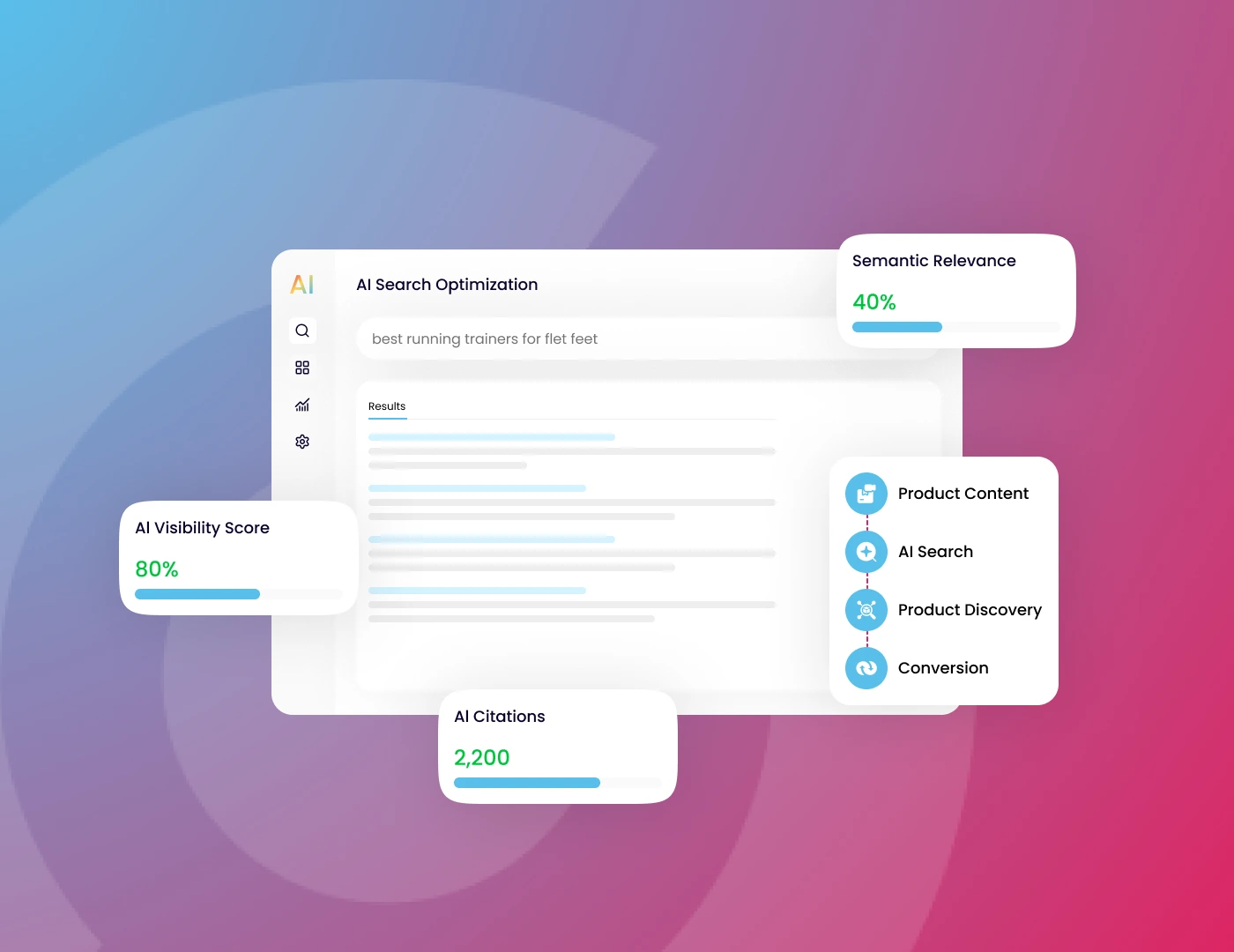
AI search raises the stakes on the technical basics, because the same signals now decide whether you show up in two places at once.
AI engines tend to cite pages they can crawl, render, and parse cleanly. So an indexation or rendering problem no longer costs you in classic search alone. It quietly costs you in AI Overviews and assistants, too, where more and more buyers start their research.
AI can help on the other side as well. Feeding a crawl export to a model to cluster issues or draft fixes saves real time. What it cannot do is tell you which URLs matter to your revenue. That judgement still sits with you, and it is the part that decides whether the audit pays off.
Once you run a technical audit and triage the findings, fix in order of revenue exposure, not severity colour. Start where the money and the breakage overlap.
Set expectations on timing. Even after a fix ships, search engines take weeks to recrawl and reassess. The work finishing is not the same as the result landing, so plan for the lag rather than panicking when rankings do not jump overnight.
A technical audit that ends in a list is a cost. A technical audit that ends in a ranked set of revenue-weighted fixes is an asset.
The crawl was never the hard part. Any tool can hand you a few thousand issues. The skill, and the value, is knowing which of them are quietly costing you sales, and fixing those first.
If your last technical audit handed you a spreadsheet and no priorities, that is the gap we close. Our team runs the crawl, then does the part that counts: ranking every fix by the revenue it protects or earns, and putting the high-impact ones into action on your store.
Searchflex is an ecommerce search agency for scaling DTC brands. We run AI SEO, Google Ads, and CRO, reported in revenue.
How long does a technical SEO audit take?
A focused audit on a small store takes one to two days. A large ecommerce catalogue with faceted navigation and migration history can take one to two weeks, since the crawl and the triage scale with the number of URLs.
How often should you run a technical SEO audit?
Run a full audit once or twice a year, plus a fresh one before any migration or redesign and straight after launch. Between audits, a monthly check of Search Console indexing catches most new problems early.
What is the difference between a technical and an on-page SEO audit?
A technical audit asks whether search engines can crawl, index, and render your pages. An on-page audit asks whether each page is optimised, covering titles, headings, and content. You fix the technical foundation first, then the on-page layer.
Who should run a technical SEO audit, in-house or a specialist?
In-house teams can handle a small store with free tools. Large catalogues, migrations, or a sudden traffic drop usually need a specialist, because the costly issues hide in templates and rendering rather than on individual pages.
Does a technical SEO audit guarantee higher rankings?
No. An audit removes the technical barriers holding pages back, which often lifts rankings, but relevance and content still decide where you land. Think of it as clearing the road, not driving the car.