Will
12 min read - 01 October 24

Google Shopping Campaigns: Why Most Ecommerce Brands Are Optimising the Wrong Layer

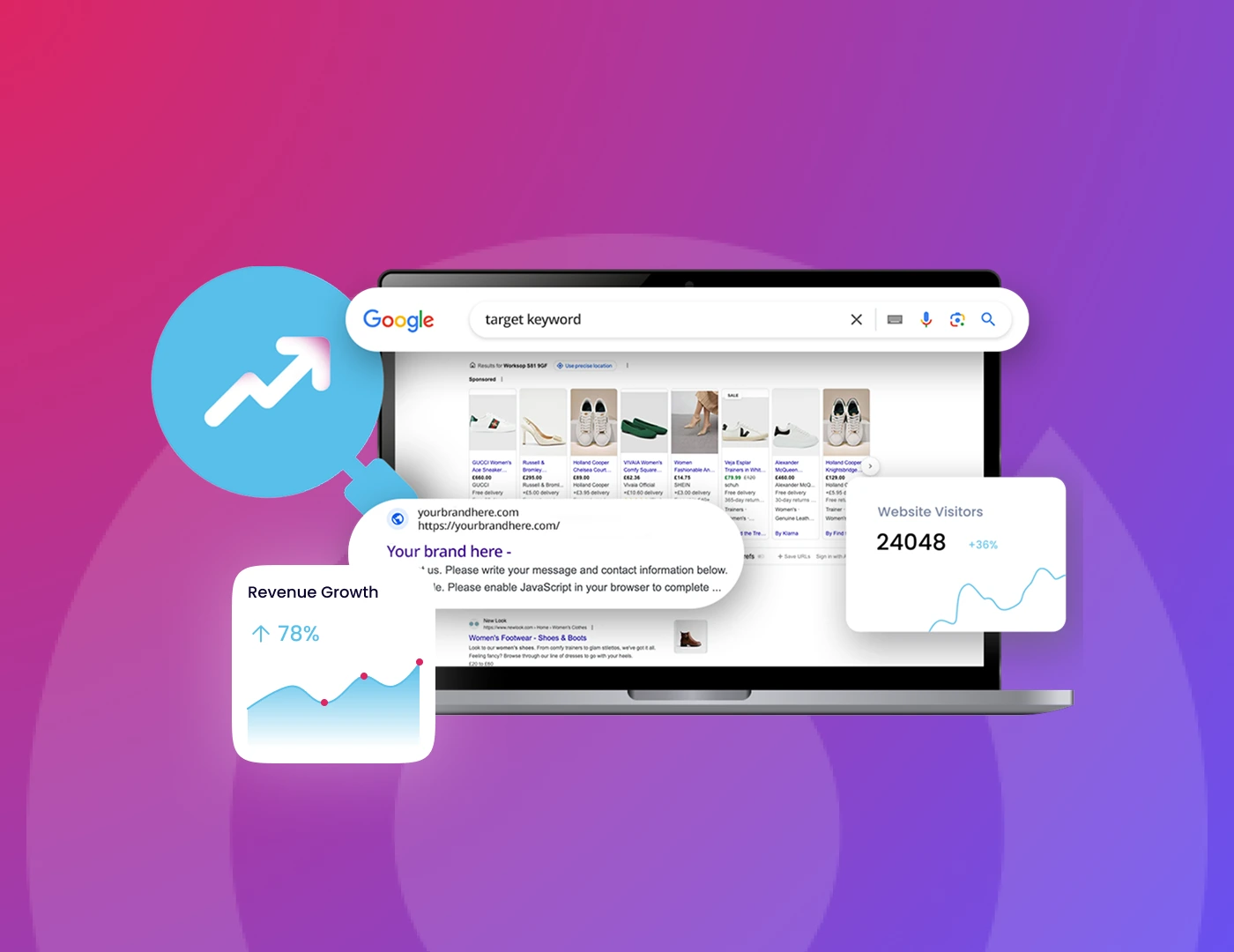
Most ecommerce brands optimise their Google Shopping campaigns from the top down. They adjust bids, test Performance Max, and restructure ad groups. ROAS still drifts. The product feed is where performance is actually won or lost.
Google Shopping sits on three layers: product data, campaign architecture, and bid strategy. Most optimisation efforts target the top. The structural issues almost always live at the bottom, in the feed and Google Merchant Centre. Fix the feed first, then build the campaign structure to match. We cover the three layers, the failure patterns we see most often, and where to start.

Why Google Shopping Campaign Performance Starts With the Feed

Your product data feed is the single most important input in your entire Shopping campaign. Google uses your feed to decide which products show for which search queries, how your ads look, and how relevant they are to a given buyer.

The bid comes second. The feed comes first.

Here is how the three layers work, from the bottom up.

Layer 1: Product data feed. This is what Google actually knows about your products. Titles, descriptions, images, GTINs, pricing, availability, product categories, and custom labels.

Google reads this data to match your products to buyer searches. If the feed is generic or partially broken, your products either show for the wrong queries or don’t show at all.

Layer 2: Campaign architecture. This is how your catalogue maps to campaigns, ad groups, and product groups. Whether you run Standard Shopping, Performance Max, or a hybrid.

Without custom labels in the feed (Layer 1), this layer cannot segment products by margin, category, or performance tier. It cannot function properly.

Layer 3: Bid strategy and budget. ROAS targets, bidding method, and budget allocation. This is where most teams spend their optimisation time.

It is also the layer with the least impact when the layers underneath are broken.

Most brands troubleshoot from the top down. They adjust the bid. Then they test a new campaign type. Then, maybe, they look at the feed. We almost always find that the fix needs to start at the bottom.


Three Failure Patterns in Underperforming Shopping Campaigns

These are the patterns we encounter most often when we audit Google Shopping accounts. Each one sits in a different layer, but they share a common trait: the brand does not realise the problem exists because the dashboards still look acceptable.

1. The Untouched Product Feed

The feed was set up once, pulled directly from Shopify or the CMS, and never revisited.

Product titles use internal naming conventions instead of the language buyers actually search. A jumper listed as “HRT-CRW-NVY-M” instead of “Men’s Navy Cotton Crew Neck Jumper” will never match high-intent Shopping queries.

Google uses the product title as the primary signal for matching your Shopping ads to search queries. If your titles are generic, your ads show for broad, low-converting terms and miss the specific queries that drive revenue.

This applies equally to paid and organic Google Shopping visibility.

We see this constantly. A brand spending £30k or more per month on Shopping, with product titles that contain brand codes, abbreviated colour names, and no mention of the product type a buyer would actually type into Google.

The fix is usually straightforward. But nobody is looking at the feed because the campaign appears to be running fine. It is running. It is just running on bad data.

2. The Performance Max Black Box

The brand migrated from Standard Shopping to Performance Max. ROAS on the dashboard improved.

But nobody checked what PMax was actually doing underneath.

Performance Max gravitates toward branded queries because they convert easiest. Without brand exclusions enabled, PMax bids on your own brand terms, captures traffic you would have won organically, and inflates the reported ROAS with conversions that were already yours.

This is one of the most common ways ecommerce KPIs quietly misrepresent commercial reality. The dashboard looks healthy. The incremental value is far lower than reported.

On top of that, PMax maximises revenue, not profit. It treats a £10 accessory at 5% margin the same as a £200 product at 60% margin.

Without custom labels in your feed to segment by margin tier, PMax allocates budget wherever it sees the highest conversion probability. That often means your best margin products are starved of spend.

One detail many brands miss: as of October 2024, PMax no longer has automatic auction priority over Standard Shopping. Ad Rank now determines which campaign wins.

This means a well-structured Standard Shopping campaign can outperform PMax on specific products, but only if the feed data supports the architecture.

3. The Google Merchant Centre Disapproval Leak

This is the quietest failure pattern and one of the most expensive.

A meaningful percentage of the catalogue is disapproved in the Merchant Centre at any given time. Price mismatches between the feed and product page. Missing or invalid GTINs. Images below the required minimum resolution.

These products technically exist in the feed but are invisible to buyers because Google has flagged them.

Google’s 2026 Merchant Centre specification update raised the minimum image resolution to 500×500 pixels across all categories. Warnings started in April 2026, with full enforcement from January 2027.

Brands that have not audited their image assets are accumulating disapprovals they do not know about. This is a structural technical SEO failure that compounds over time.

The compounding effect matters during peak trading periods. Disapproval rates spike because promotions create price mismatches and stock changes create availability conflicts.

The brands running campaigns on a partial catalogue during Black Friday do not know they are doing it. The reporting does not flag what is not showing.


What to Fix First in Your Shopping Campaign Optimisation

Start at the bottom layer and work up. The sequence matters.

Audit your Merchant Centre health. Log in to Google Merchant Centre and check your product diagnostics. Look at disapproval rates, warnings, and the “Needs Attention” tab.

Every disapproved product is a product with zero visibility. This is the fastest structural win because you are recovering SKUs that already exist in your catalogue but are not showing.

Fix price mismatches, update images to meet the 500×500 minimum, and resolve GTIN issues before touching anything in Google Ads.

Restructure your product titles for search intent. The product title is the most impactful attribute in your feed. Use a clear taxonomy: Brand + Product Type + Key Attributes (colour, size, material).

Run a search terms report in Google Ads and compare what buyers searched against what your feed titles say. The gap between search intent and feed titles is usually significant and directly explains why impression share is lower than expected.

Add custom labels for commercial segmentation. Custom labels let you tag products by margin tier, seasonal relevance, performance history, or stock status.

Without them, your campaign structure cannot distinguish between high-value and low-value SKUs. This is the bridge between Layer 1 (feed) and Layer 2 (campaign architecture).

We typically recommend starting with margin-based labels, since they immediately expose where the budget is being misallocated.

Check PMax for branded cannibalisation. Enable brand exclusions at the campaign level. Then compare your branded Search campaign’s impression share before and after PMax launched.

If branded impression share dropped while PMax ROAS looks strong, cannibalisation is occurring. Google’s brand exclusion feature now covers Search and Shopping ad surfaces within

PMax and catches misspellings and brand variations automatically.

Build a deliberate campaign architecture. Standard Shopping for control and transparency on products where query-level data matters. Performance Max for scale on products with proven conversion data.

Google recommends at least 30 conversions per month for Smart Bidding strategies to optimise effectively. The architecture follows from the feed segmentation. If your feed is not labelled, your campaigns cannot be structured.


Final Thought

Google Shopping campaigns are a data infrastructure problem before they are a campaign management problem.

The feed determines what Google can show. Campaign architecture determines how your budget flows across the catalogue. Bid strategy fine-tunes the output. Most brands spend their optimisation time on the last layer while the first two quietly leak revenue.

The brands pulling the strongest Shopping returns have product data that gives Google something clear, specific, and commercially structured to work with. Every month the feed goes unaudited, the gap between what you sell and what Google shows gets wider.


See What Your Feed Is Costing You

If your Google Shopping ROAS has plateaued and you have already adjusted bids, tested campaign types, and restructured ad groups without a sustained improvement, the problem is almost certainly structural.

The Searchflex Search Leak Audit diagnoses the feed-level and campaign-architecture failures in your Shopping system, quantifies the revenue impact, and delivers a prioritised roadmap for what to fix first.

Book your audit at searchflex.com

Searchflex is a search infrastructure consultancy specialising in ecommerce brands looking to increase their revenue. We diagnose structural search failures and quantify their revenue impact. We don’t run retainers.


Frequently Asked Questions

How often should I update my product feed?

At a minimum, daily. Price, availability, and stock changes need to sync with your Merchant Centre feed every 24 hours to avoid disapprovals from data mismatches between your feed and landing pages.

What ROAS should I target for Google Shopping?

It depends on your product margins, not industry averages. A 4x ROAS on a 20% margin product is a loss. Calculate your breakeven ROAS first, then set targets by product group using custom labels.

Can I run Standard Shopping and Performance Max together?

Yes, and in 2026, this hybrid approach is the most common setup for serious ecommerce advertisers. Since PMax no longer receives automatic auction priority, both campaign types compete on Ad Rank, giving you genuine control over which campaign serves for which products.

How do I find out if products are disapproved of in the Merchant Centre?

Go to Google Merchant Centre, then Products, then the Needs Attention tab. Filter by disapproval type. You can download a list of affected products and the specific reasons for each disapproval.

Do negative keywords work in Google Shopping campaigns?

In Standard Shopping, you add negative keywords at the campaign or ad group level to block irrelevant search terms. In Performance Max, Google introduced campaign-level negative keywords in 2024 as an additional layer alongside brand exclusions.

About the author

Will Padley-Lloyd

Will is an SEO specialist at Searchflex, helping our clients climb the rankings with a sprinkle of strategy and a cap of creative flair. Whether he’s tackling technical audits, crafting keyword-rich content, or geeking out over algorithm updates, Will’s passion for all things SEO shines through. He’s the guy who turns search engine mysteries into measurable results.

Most popular blogs

Google Shopping Campaigns: Why Most Ecommerce Brands Are Optimising the Wrong Layer

What Are The Most Common Challenges of International SEO?

Ecommerce KPIs for the AI Search Era: What to Track in 2026

Generative Engine Optimisation for Ecommerce: What You Need to Know

The December 2025 Ecommerce Reset: Why Most Brands Are Still Misdiagnosing What Happened

AI Search Won’t Save Weak Ecommerce Infrastructure

Shopify Agentic Storefronts: The Infrastructure Checklist Before You Toggle It On

The March 2026 Google Core Update: What Actually Changed For Ecommerce Brands

E-E-A-T In Ecommerce Guide: What You Need To Know

ROAS Is Lying: How Branded Search Cannibalisation Quietly Distorts Ecommerce Growth

How To Use Hreflang Tags For International SEO?

What Is Ecommerce Search Infrastructure? (And Why Most Brands Never Diagnose It)